
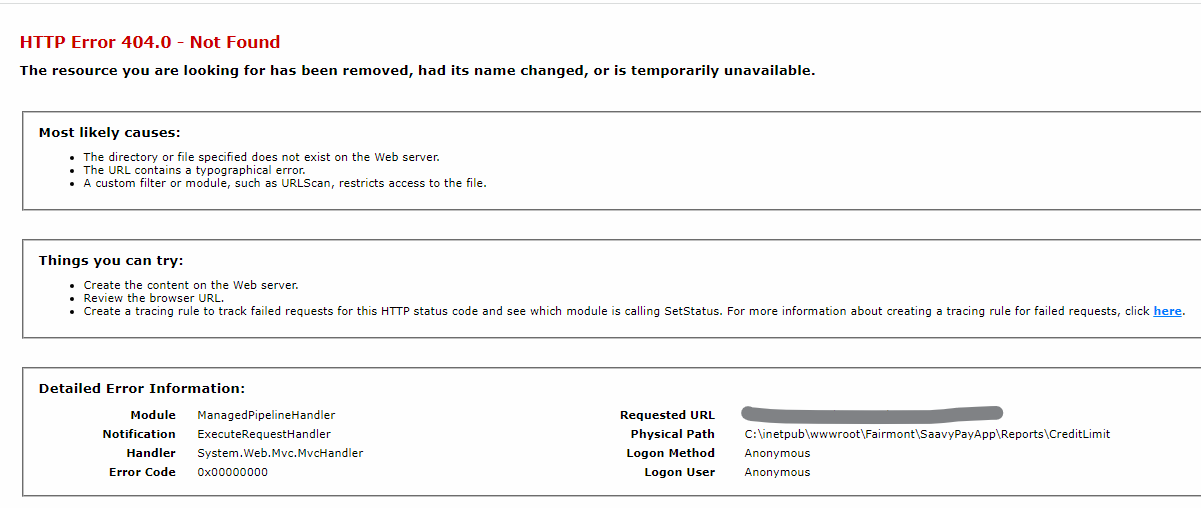
In the Saavypay portal, while trying to generate a CREDIT LIMIT REPORT, the user get to see the following error.
Solution :
1. Check if the SQL Job for UpdatingActiveFlag is running.
2. Manually start the job in the SQL Job scheduler.
or
Copy the SQL query from the job, Open NewQuery on the Saavypay table and Execute the query.
3. Try reloading the Saavypay page and click on the Credit Limit report button.