
The following steps will assist to make changes to or replace the Welcome email attachment for MCI system.
Step 1: Login to the Jump PC (RTPTENSYS2).
Step 2: Request for access to email attachment folder from Support team (support@h-butler.com)
Step 3: Create a shortcut named \\RTPNTSACI02\EmailAttachments on your desktop.
Step 4: Double click and open the location. This will open up the exact folder where the attachment document is located.
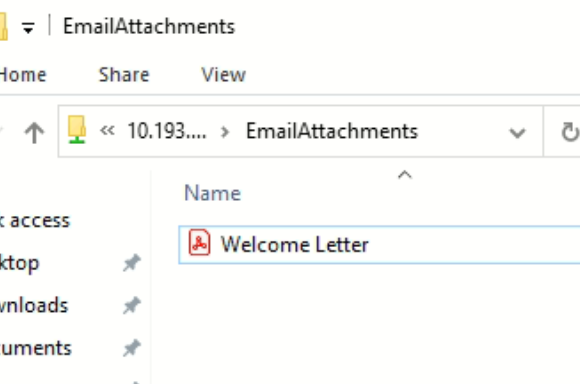
Step 5: Replace the file with the new or modified one on the same location.
The attachment to the email will display the same name as that of the file name in the given location.